
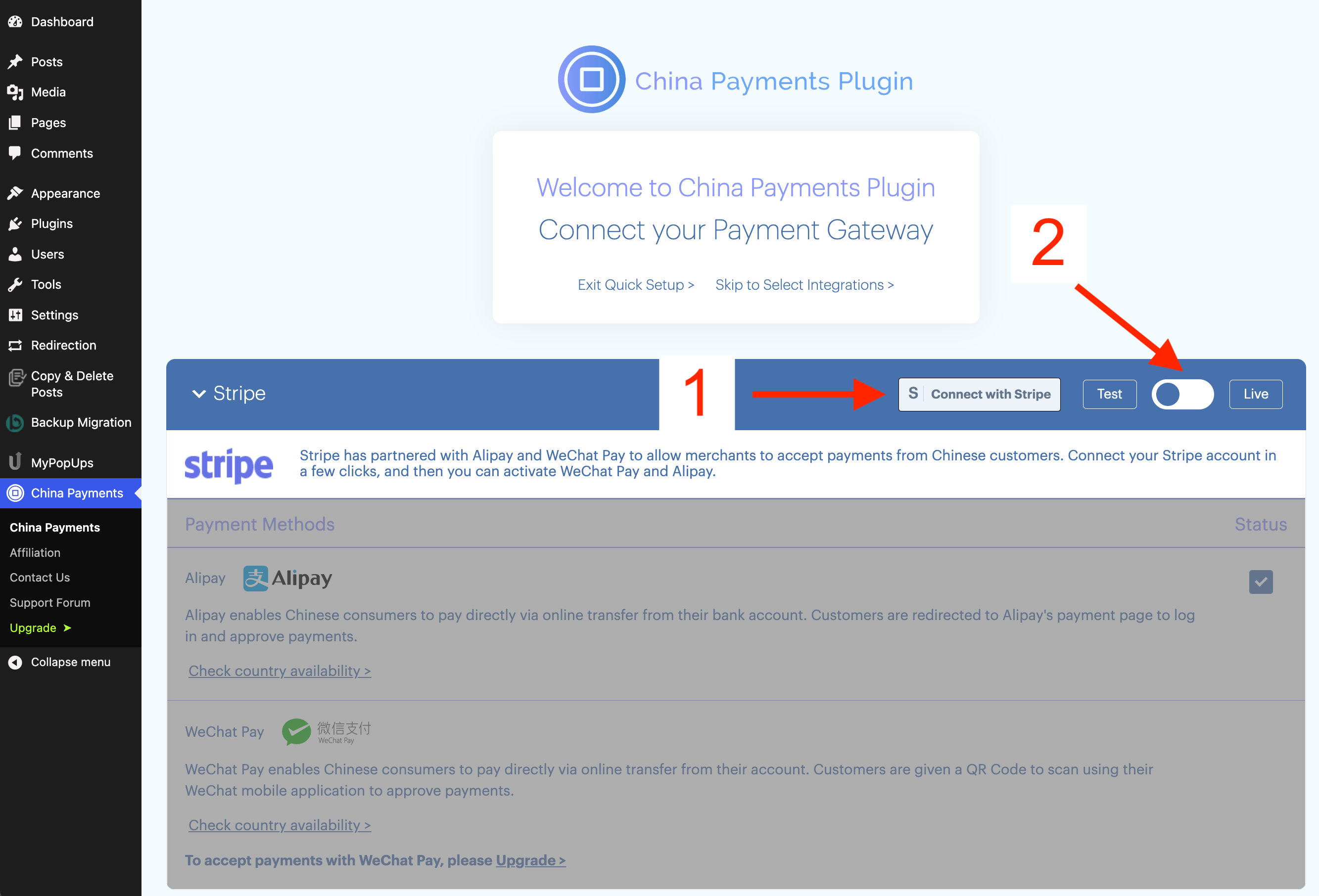
After installing China Payments Plugin in your WordPress Dashboard, you'll arrive to the Quick Setup Screen.
The first step is to connect your Stripe account (#1 in screenshot). You must connect Stripe independently in LIVE and TEST modes by using the switcher (#2 in screenshot).
After connecting Stripe, you'll be directed to the Integrations step. Select any of the available plugin integrations to install:
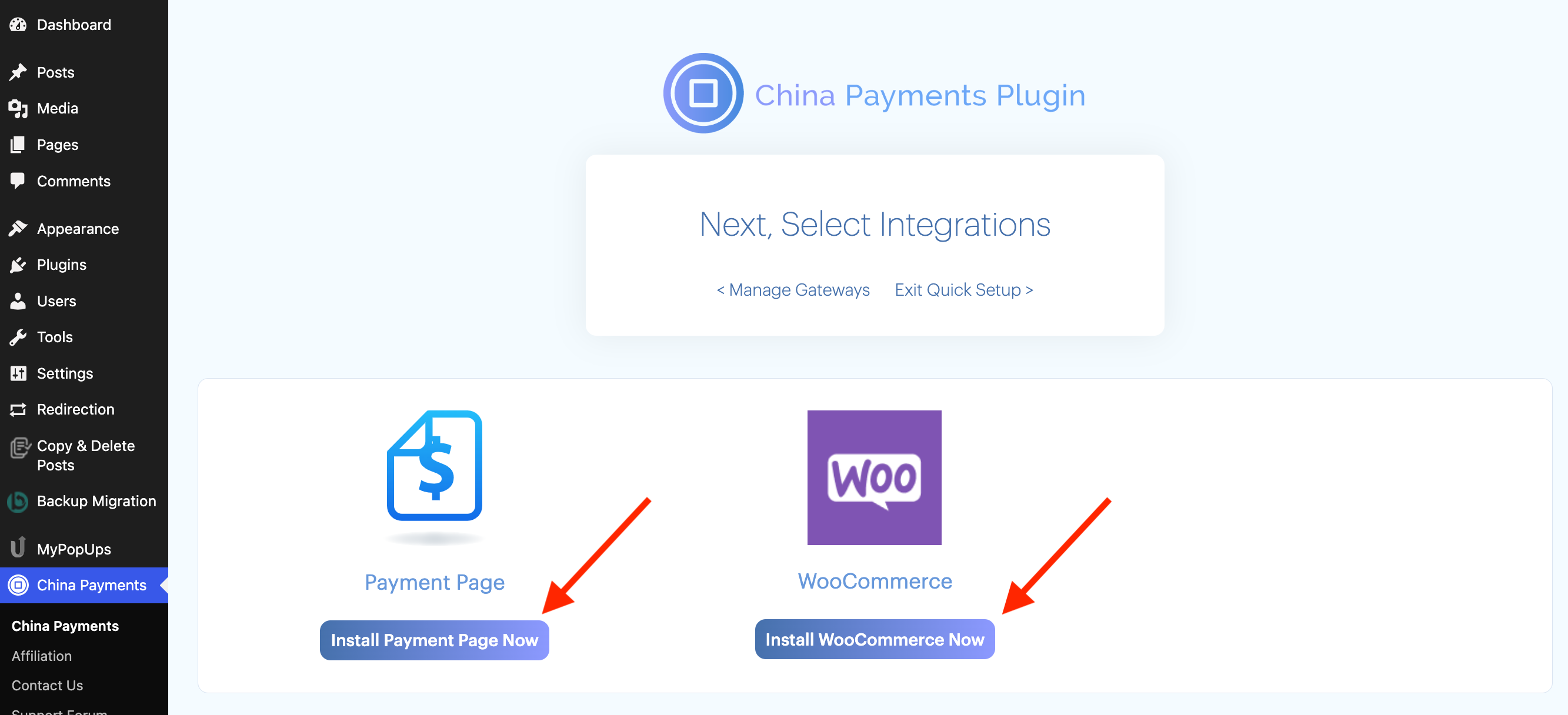
Please review our other docs to configure each of the Integrations:
WooCommercePayment Page (payment form)MemberPress